Cook any recipe one step at a time.
Guided cook mode walks you through every recipe step by step — with a photo for each one, a progress bar at the top, and ingredients always one tap away.
Free · iOS & Android · Included with every meal plan
guided steps per recipe
to see ingredients mid-cook
of recipes in your plan
See it work, step by step
Here's the full guided cook flow for Honey Garlic Butter Salmon — from tapping Start Cooking to plating the final dish.
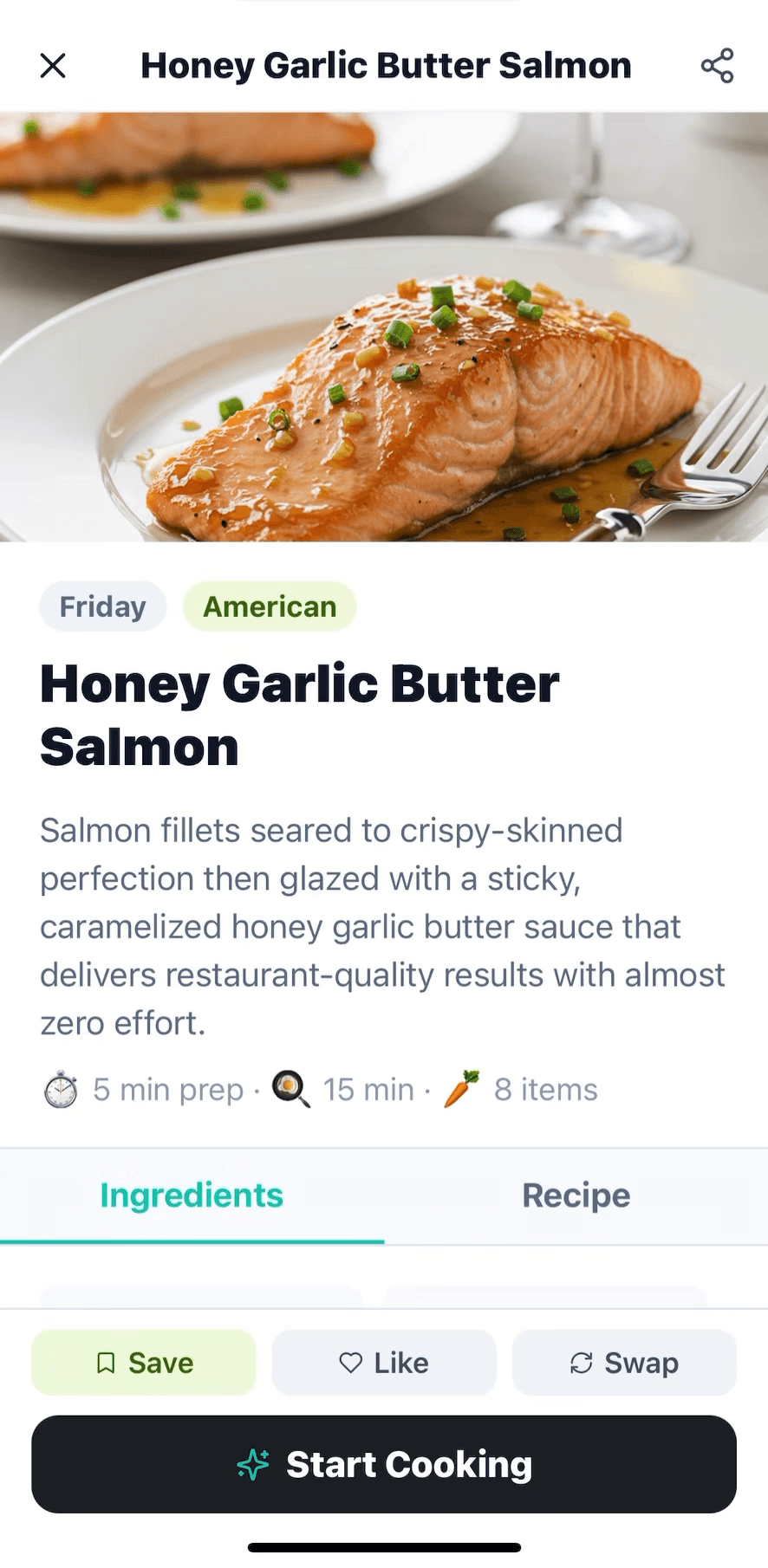
Open a recipe from your meal plan and hit Start Cooking. Cook mode opens full-screen — no scrolling, no losing your place.
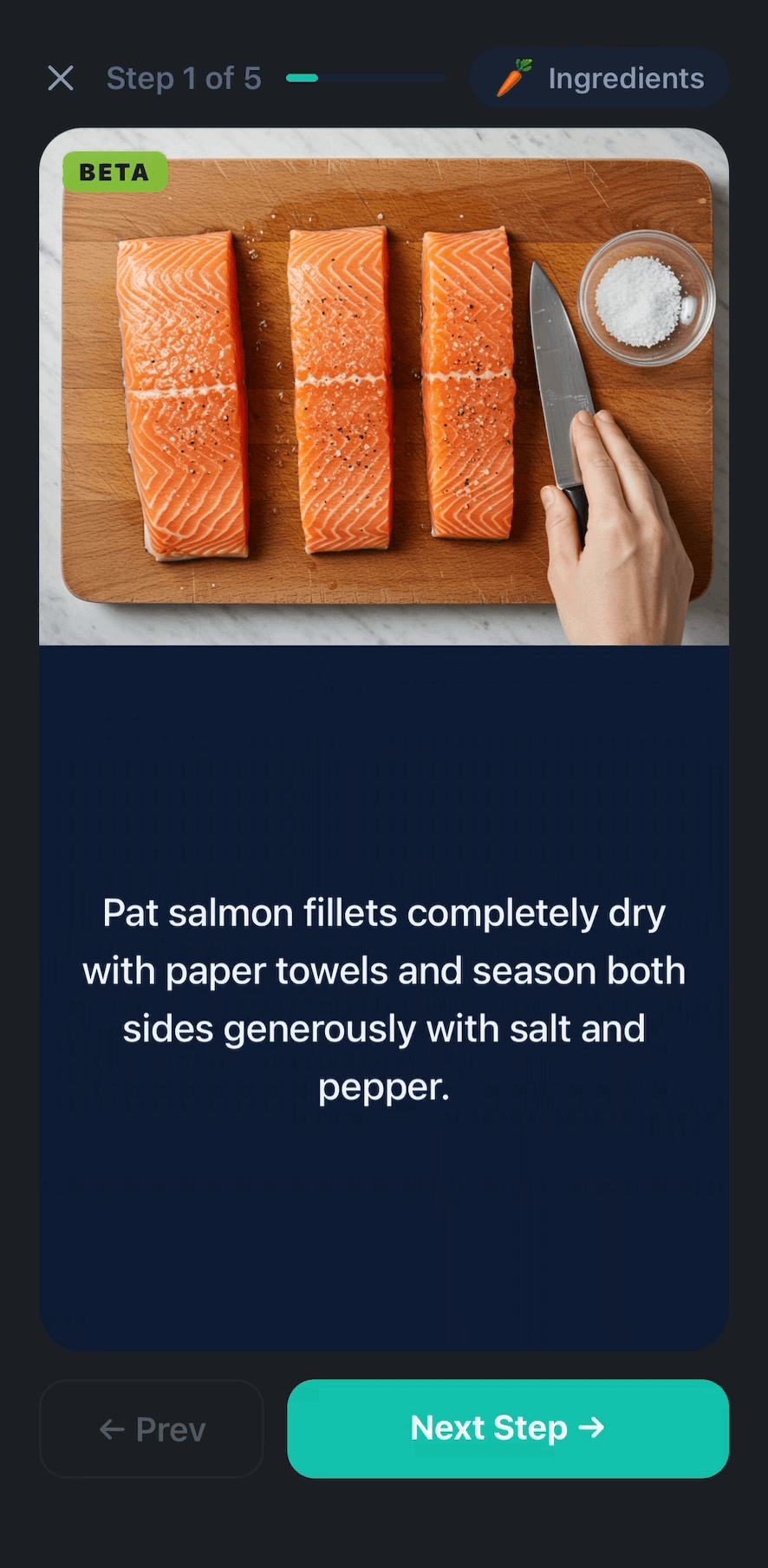
Each step gets its own screen with a clear instruction and a photo of what it should look like. No paragraph-hunting while your pan heats up.
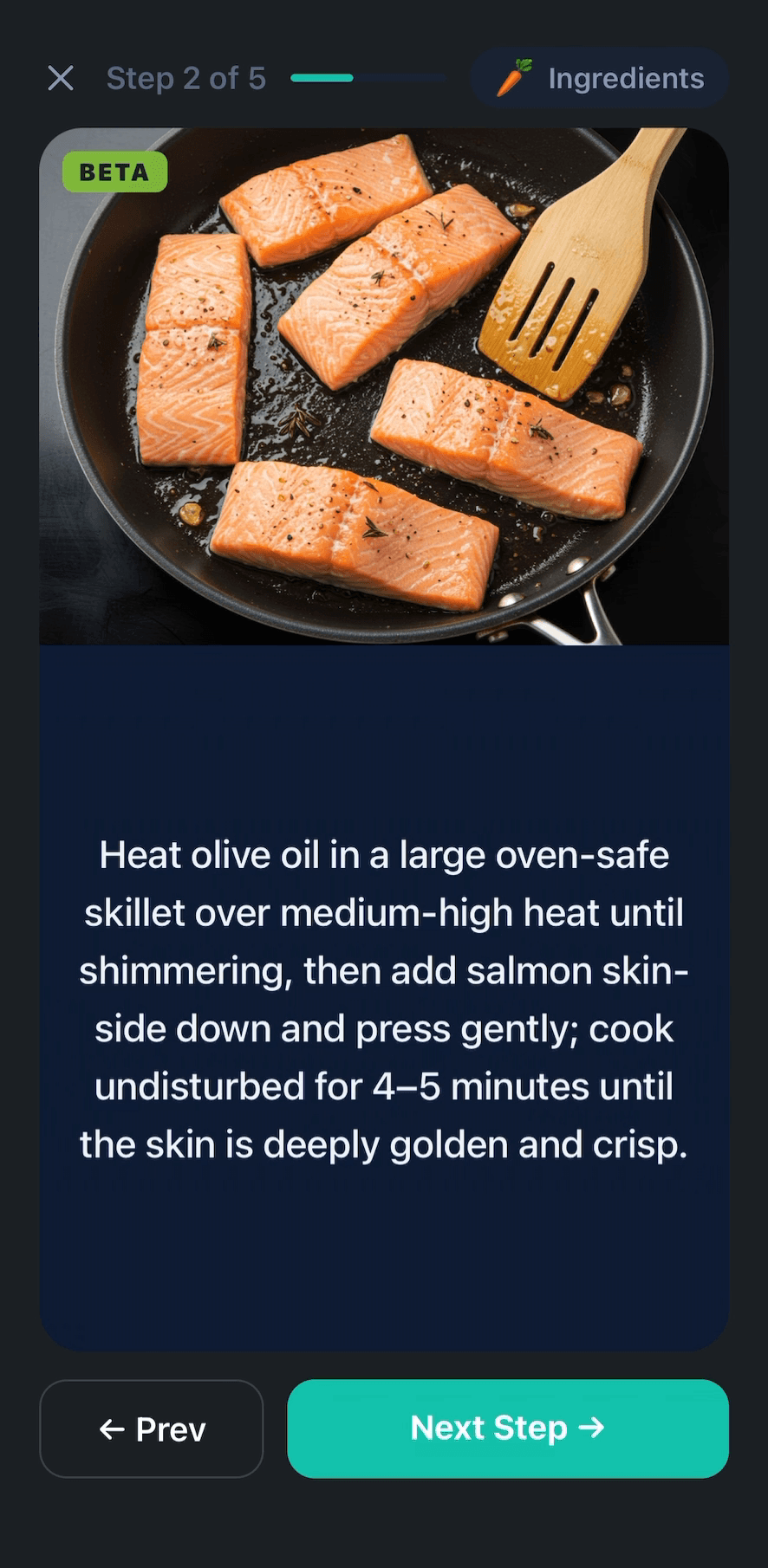
A photo for every step means you can match your pan to the picture — golden crust, simmering sauce, soft onions. No more guessing if it’s done.
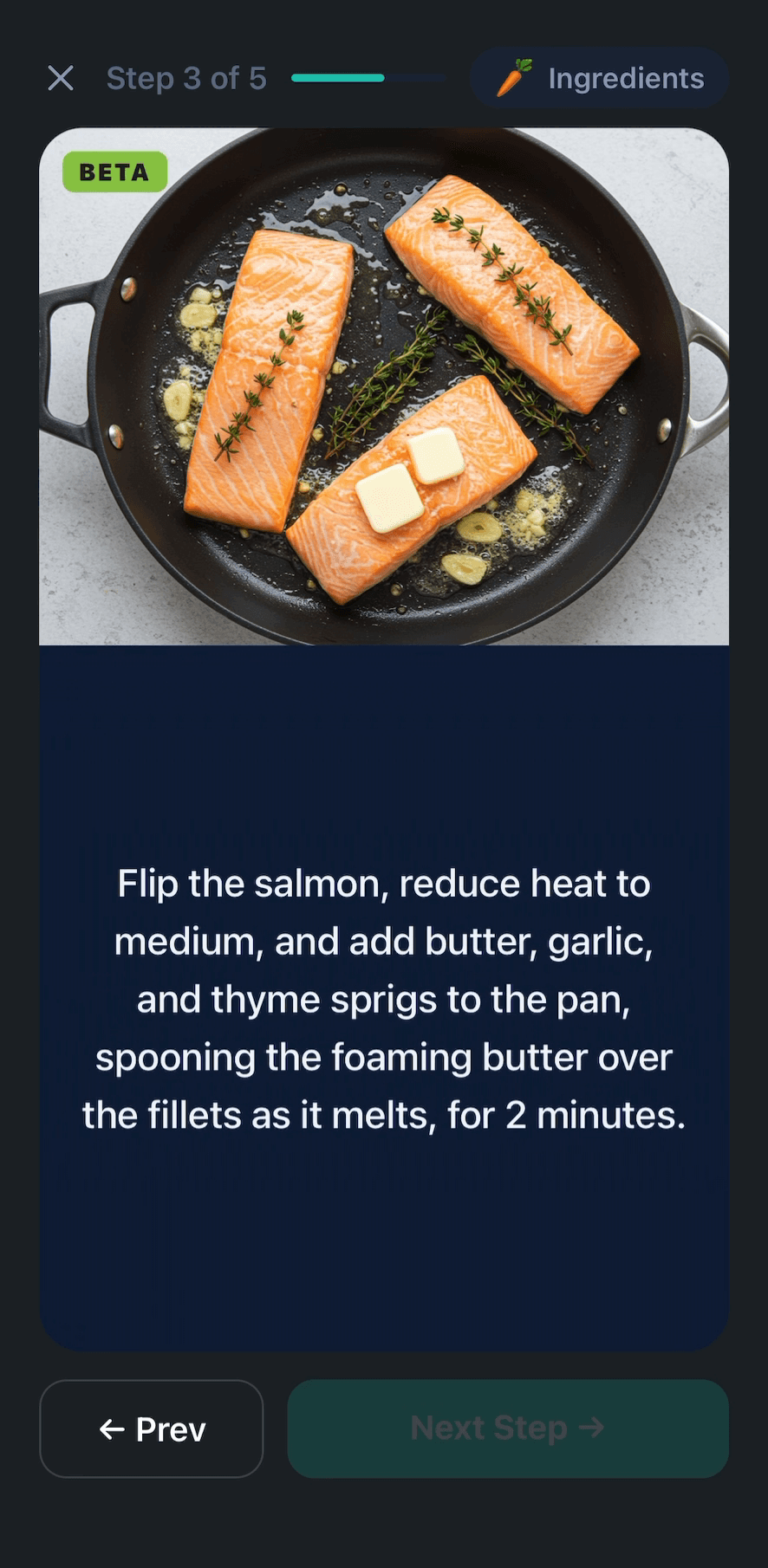
Forgot how much butter? Tap the Ingredients pill from any step to pull up the list — then jump straight back where you left off.
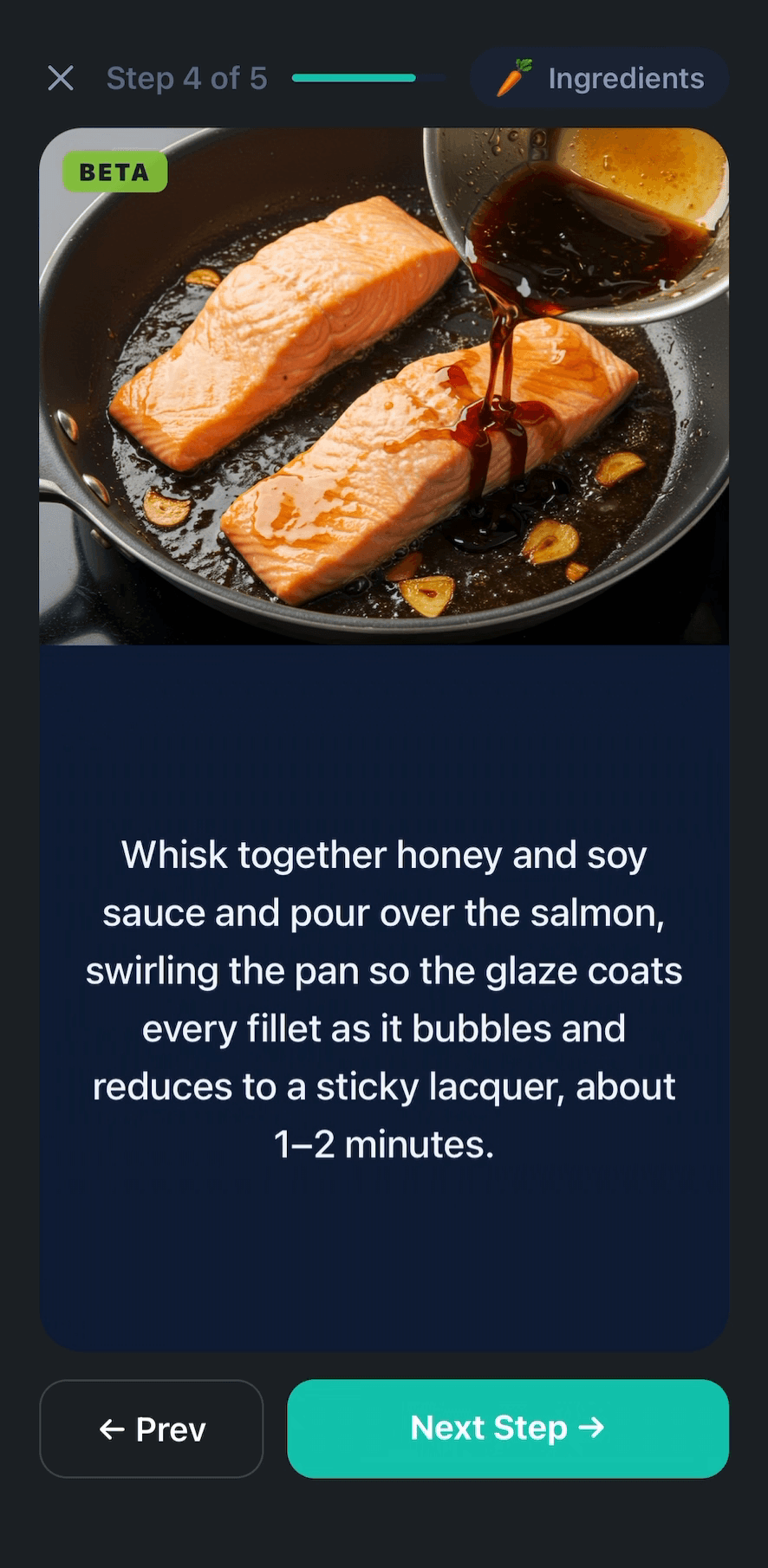
The progress bar tells you exactly how far you are. Prev and Next buttons let you flip back if you need a refresher.
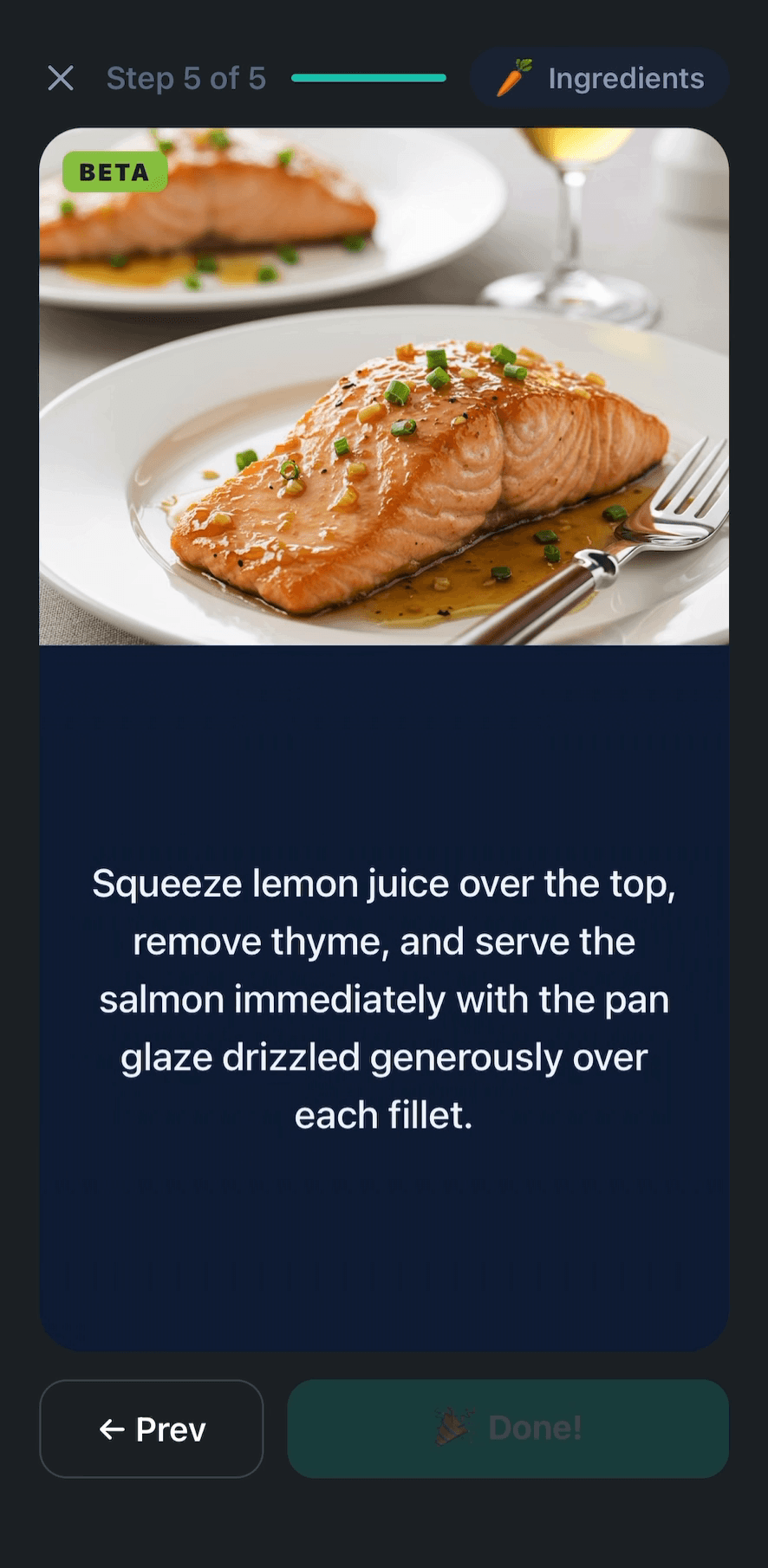
The final step shows you what dinner should look like. Hit Done and your cooked meal moves into your history.
← Swipe to see every step
Built for cooking with messy hands
Big text. One step per screen. Nothing to lose your place in.
A photo for every step
Don't guess what 'fond' or 'caramelized' looks like — match your pan to the picture and you'll know it's right.
Never lose your place
One step per screen with a progress bar at the top. No more scrolling through paragraphs while your hands are messy.
Ingredients without leaving
Tap Ingredients from any step to check quantities, then jump right back into the flow.
Works with any recipe in your plan
Every recipe Kitchen Crew adds to your meal plan supports guided cook mode — no extra setup.
Stop juggling recipe tabs
Download Kitchen Crew and cook your next meal one step at a time. Free on iOS and Android.